Dreamality Discord
The real invite, what to ping, and which servers are just executor ads.
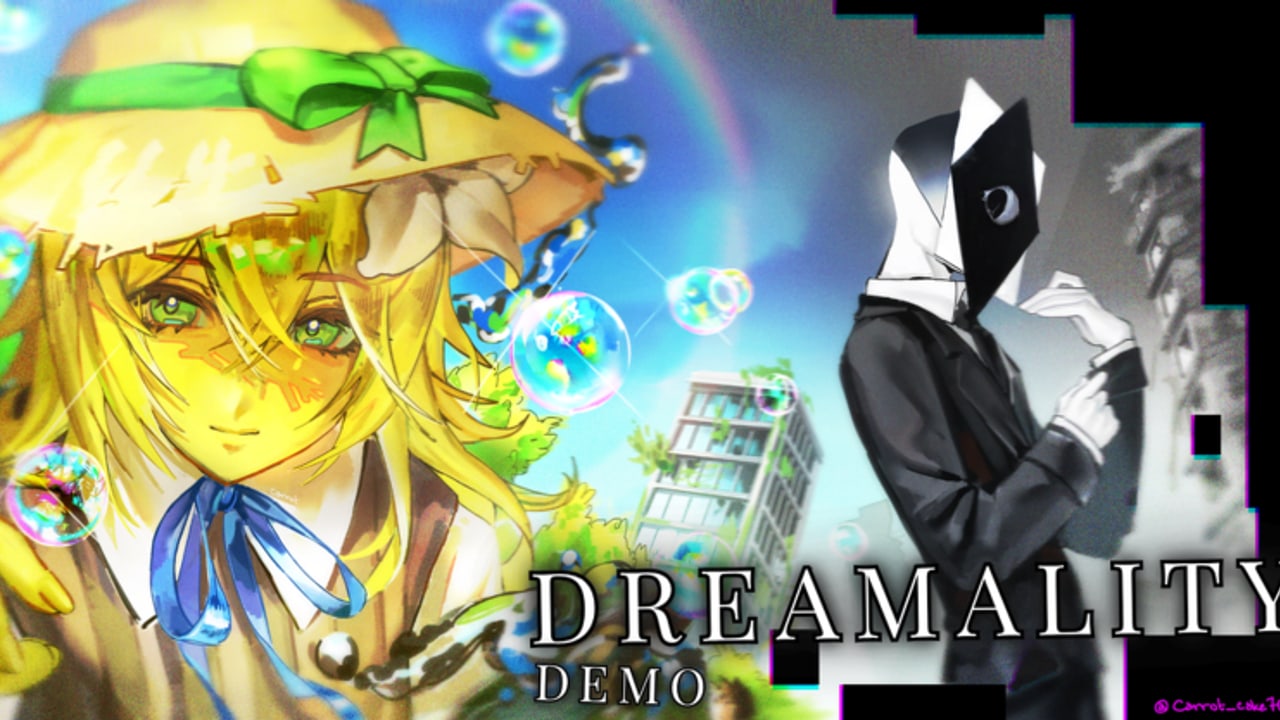
Frutiger Studios points “social links” at community channels for sneak peeks and bug reports. The YouTube channel @DreamalityRBLX lists discord.gg/PWjSVVWNpM. That is the invite this wiki treats as official until the studio posts a replacement on YouTube or the Roblox experience.
Longer allowlist: links hub.
How to join without getting lost
- Open the invite from YouTube or from this page, not from a random “FREE CODES” comment.
- Verify if the server asks. A captcha is normal. A Google survey for Robux is not.
- Read #rules, then #announcements. Codes, if they ever exist, will start there — not in general chat (codes).
- Use the bug channel with platform, last badge, and a screenshot. Do not paste script errors and expect a patch.
If the invite is expired, fall back to the Frutiger Studios! group shout and the YouTube about tab. Do not accept a replacement invite from a user whose account is two days old.
What the Discord is for
- Patch and trailer times (updates, roadmap)
- “Is the last shard the park kid?” (yes — shards)
- School venting that should turn into a wipe log (school)
- Fan art (the experience already uses fan thumbnails)
- Hearing when Sweet Dreams? is about to stop dropping
It is not for:
- Executor support
- Fake code giveaways
- Account logins
- Trading limiteds for a “100% badge carry”
Other official-adjacent channels
- Group: Frutiger Studios! — join for shouts. Description is still the honest “we are making a cool story game.”
- YouTube: shorts for release-date trailer, demo release, and story teaser. Those IDs are embedded on this wiki; we do not invent extras.
- No Trello. Anyone sending a Trello with egg luck tables has the wrong game.
Impersonation patterns
Close the DMs if:
- They have a nitro badge and a “Frutiger” name that is not in the staff list
- They want you to paste a loadstring to “verify your badges”
- They claim this wiki requires a login
- They attach a file named Dreamality.exe
The demo is a Roblox experience. There is no separate client.
How this wiki uses Discord
We treat announcement screenshots as sources for codes and updates. We do not scrape private channels. If a shard location is only in a private thread, it stays unverified on shards until a public clip exists.
If you want a quieter second tab than Discord, keep the badge checklist open. If you want the studio’s voice, use the invite above. If the invite dies, this page will change the same day we see a new one on YouTube.
Roles and channels you actually need
You do not need every ping. Mute memes if you only care about patches. Keep announcements, a bug forum, and a spoiler-tagged story channel if the server has one. School spoilers in general chat will ruin a first run for someone still in getting started. Mark them. The demo is short; spoiling the faceless bench is a five-second trick and a long mood loss.
When you post a clip, include the place ID 88127769676091 so helpers do not mix you with A Broken Dream. That mix-up is the most common wasted thread on any “dream” Roblox server.
Talk in the dream. Then talk in the server. Then go back to the park.
Frequently Asked Questions
Quick answers for Dreamality demo players.
What is the official Dreamality Discord?
discord.gg/PWjSVVWNpM, listed on the @DreamalityRBLX YouTube about page.
The invite says invalid.
Use the YouTube about tab or the group shout. Do not take a replacement from a stranger. We will update this page if the studio rotates the link.
Will codes be posted in Discord?
That is the most likely first channel. Until a string exists, codes stays empty.
Can I report a wiki mistake in Discord?
You can mention it in community chat. Official bug reports should still go to the studio’s bug channel, not to a fan site.