
How to Beat the Dreamality School
The demo’s wipe room — treated as stealth and search, not as a sprint.
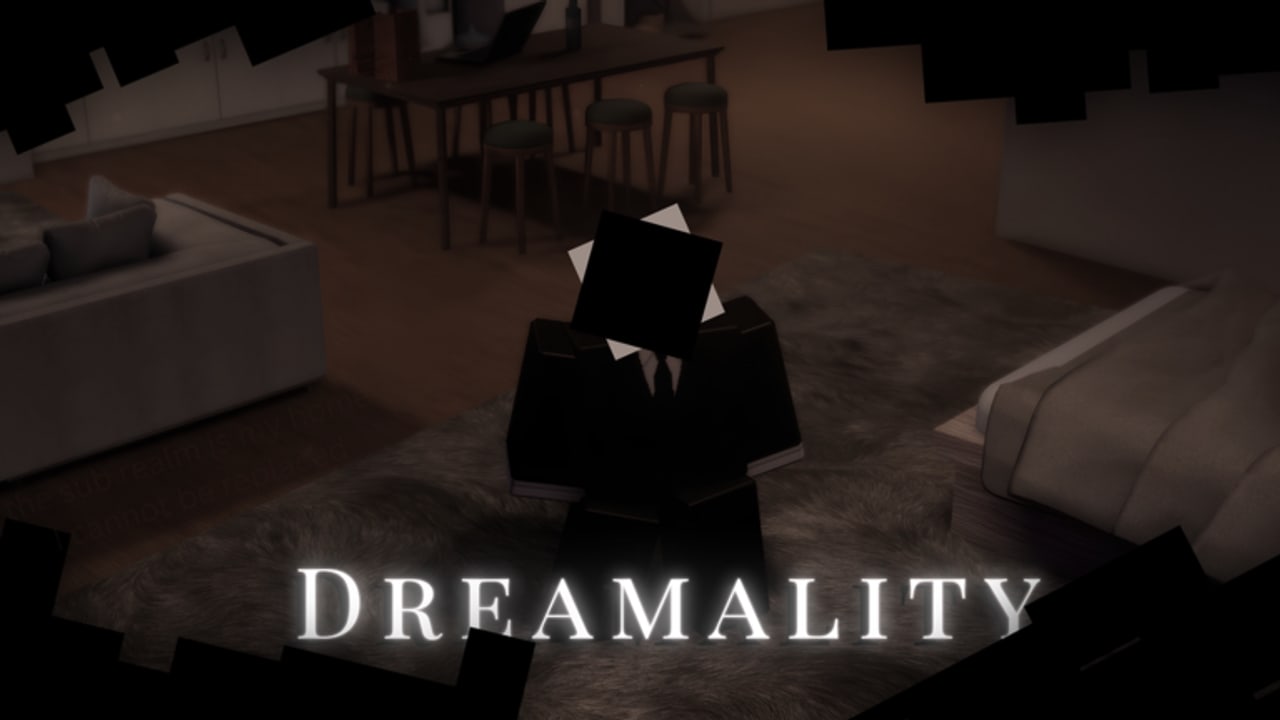
If you searched this page, you already know the school is the problem. Players who loved the park bounce here. The demo’s own comments say it out loud: the school is too hard if you play it like the fields. This guide is how to beat that stretch in the Chapter 1 demo without a noclip script.
It is not a clock hunt from A Broken Dream. Do not import another game’s item count into this hallway.
What the school is trying to do
Dreamality’s daylight is a playground. The school is the hangover. Adults, or adult-shaped dream things, punish noise. Objectives are search-based. The mood flips from Frutiger grass to fluorescent pressure. If you sprint because you are scared, you will get caught because you are loud.
Bring controls: know your crouch, your interact key, and how to turn without spinning the camera into a locker.
Before you enter
- Have Playful and the park shard done. The school will not be kinder if you go back later, but your brain will be less busy.
- Have headache and the visit badges so you know you are on the real spine (walkthrough).
- Headphones on. Audio tells you when a patrol is close more honestly than a mobile joystick.
- Shift-lock on PC helps you peek a corner without drifting into a line of sight.
The loop (learn one, not ten)
- Enter slow. Let the first hall load. Do not jump. Jumping is a noise in a lot of Roblox stealth and it also ruins your camera.
- Identify the objective language. The demo will tell you what to fetch or where to stand. Read it. If you missed the prompt, open the menu and look for a quest line; do not invent a twenty-item scavenger hunt.
- Clear one wing. Pick left or right and finish it. Crossing the building every death is how people burn an hour.
- Interact when the hall is empty. Shards and story props in this wing are optional until you can survive. A glint is not worth a wipe if you do not know the patrol yet.
- Reset with information. After a catch, write the room name and whether you had the item. The tools hub wants a three-line log because memory lies when you are annoyed.
- Do not revenge-sprint. The next attempt starts at walking speed.
If you keep getting caught
- You are cutting corners. Walk the long way around a patrol once; it is faster than five catches.
- You are interacting in sight. Wait. The extra five seconds are the whole skill.
- You are on mobile with the prompt behind your avatar. Rotate, then tap (controls).
- You brought a friend who is sprinting. Multiplayer is allowed (max 25) but a loud teammate is a flashlight. Solo is valid.
What not to import from other dreams
- Clock counts from A Broken Dream’s school-adjacent sequence. Different place, different studio.
- Generator puzzles from Backrooms games. Dreamality is not a Backrooms title; the experience description says so.
- Noclip as a default. It works until a trigger is on a volume you never entered. Then you “beat” school and miss a badge. Scripts lists the loadstrings; this page is the honest route.
After you clear it
Sit with the tone change. The demo wants the park and the school in the same memory. Then:
- Sweep leftover shards
- Finish A Listening Ear if you went mute from stress
- Try Blind To The Rain if you skipped the A-tier fork
- Only then hunt There’s nothing beyond.
If a patch changes patrols, demo release notes will say so. Until then, the school is S-tier on the area list because it asks you to be quiet in a game that just taught you to play with kids. That contrast is the point. Beat it slow.
Frequently Asked Questions
Quick answers for Dreamality demo players.
Is the Dreamality school like A Broken Dream’s clock section?
No. Do not hunt a clock quota here. Follow the objective text in this demo and the loop above.
Can I skip the school with a script?
You can noclip. You should not. Triggers and badges can sit on volumes you skipped. See movement scripts for why it backfires.
Does difficulty drop in multiplayer?
Only if your teammates are quiet. A sprinter makes it harder. Solo is fully supported.
I cannot finish the school on mobile.
Lower graphics slightly, use tap-to-interact with the camera facing the prop, and walk. Controls covers mobile prompts.