
Dreamality Guides
How to play, how to finish the school, and how to leave with every demo badge.
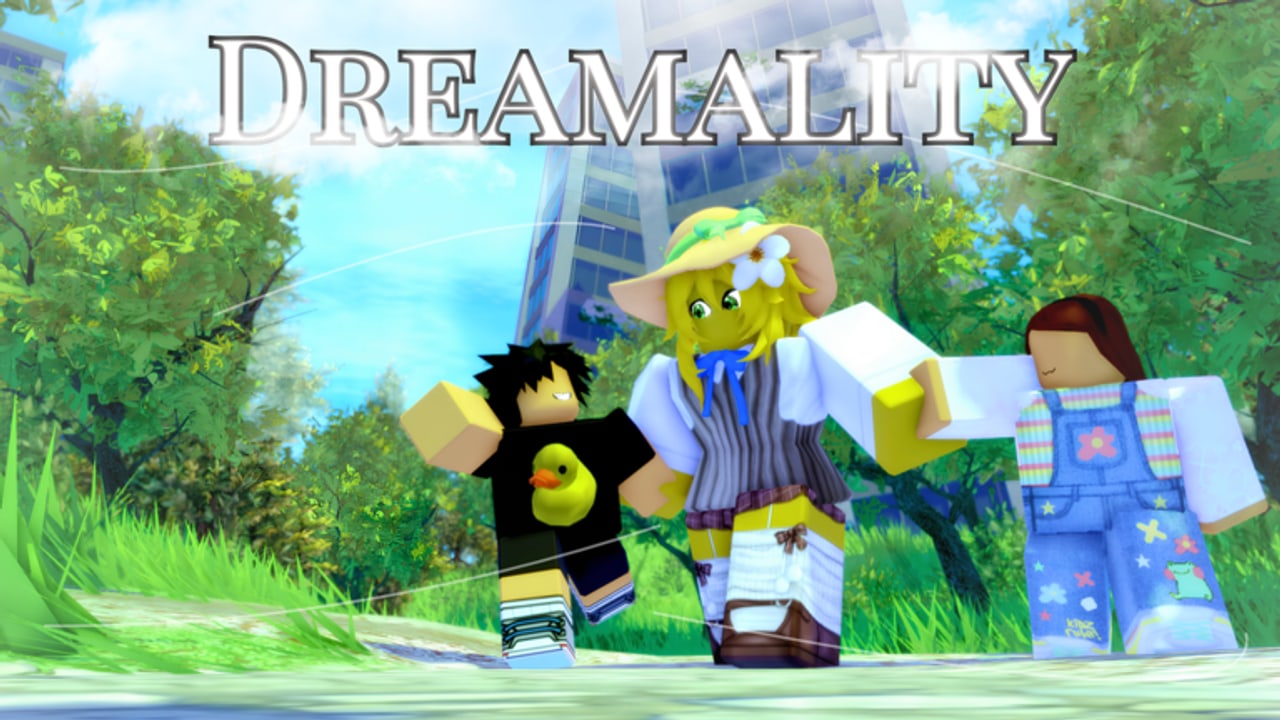
Dreamality is a short Roblox story demo, but it is not a short list of problems. Players bounce off the school, miss the park hide-and-seek shard, talk past the NPC that awards A Listening Ear, and then search “Dreamality walkthrough” at 1 a.m. This hub is the map for those searches.
Start with Getting Started if you have not finished the apartment cutscene. If you already have Welcome To Dreamality and you are lost in fog, jump to the demo walkthrough. Everyone else should pick the pain point below.
What these guides assume
- You are on the live place Dreamality [DEMO] by Frutiger Studios!, not A Broken Dream, Dreamworlds, or DreamSpace.
- The Chapter 1 demo is unfinished. Routes can move. We write what the August–September 2026 build does.
- The game supports solo and servers up to 25. Story still plays if you are alone; other avatars are treated as people you visualize in the dream.
- There are no active codes. Do not wait on a coupon to skip a puzzle.
Guide index
- Getting Started — join, R6 movement, first badge, what the demo is and is not.
- Demo walkthrough — apartment → fields → park → school → Sub Realm notes, with the full playthrough video in the middle.
- Hide and seek — park kids, Playful, and the shard people call “last.”
- How to get shards — every confirmed shard, including the hide-and-seek reward.
- All badges — eleven badges, from Welcome To Dreamality to Realism Is Not One.
- School puzzle — the section players call “too hard,” with a calm route instead of panic sprints.
- Controls — keyboard, mobile, and console binds plus interact pitfalls.
- Demo review — whether the unfinished chapter is worth an evening.
- Multiplayer — 25-player servers, solo story, who should stay quiet in school.
Use the badge checklist as a companion tab. Rank difficulty on the badge tier list and area tier list if you want a “what next” order instead of a story order.
How to play without spoiling yourself
Dreamality sells mood: Frutiger-Aero light, then a faceless man on a bench who says “Welcome back..”. If you want the scare, do not open the walkthrough first. Do this instead:
- Finish the apartment on your own (getting started).
- Wander open fields and nihility lands until the headache beat fires.
- Play hide-and-seek in the park once. If you cannot find the kid, then open shards.
- Only open school after two honest wipes.
The wiki is here for the third wipe, not the first loading screen.
How to get, find, complete, beat
Search intent mapped to a page:
- How to get shards → shard guide
- How to get all badges / Sweet Dreams? → badges
- How to find the last kid / last shard → hide and seek and shards
- How to complete the demo → walkthrough
- How to beat the school → school
- How to play on mobile → controls
Characters and news sit next door
Guides explain verbs. Faces live under players and NPCs. Patch timing lives under updates and the Chapter 1 roadmap. Official links sit on the links hub.
If a new room ships before this hub’s list grows, it will show up first in demo release notes. The walkthrough will follow the same day we can confirm a badge icon changed.
Play it slow. The demo is short on purpose. The school is long on purpose. Use these pages when the dream stops making sense — which, in Dreamality, is the point.
Frequently Asked Questions
Quick answers for Dreamality demo players.
Which Dreamality guide should a new player open first?
Getting Started, then the demo walkthrough only if you are stuck after the park.
Is there a full Chapter 1 walkthrough?
No. Only the unfinished demo is playable. The roadmap tracks what Frutiger Studios still calls unfinished.
Do I need scripts to finish the demo?
No. Scripts spoil puzzles and risk a ban. If you still want movement commands, see scripts — then close them for the school.
Where is the hide-and-seek explained?
In How to get shards and the Playful badge notes. One shard is tied to finishing the kids’ game in the park.